Published: May 9, 2026
Last updated: October 26, 2026
Best AI Workflow Automation Tools For B2B Teams
The best AI workflow automation tool depends on the stage of the workflow.
If the team is still learning the process, tools like n8n, Dify, Zapier Agents, Make AI Agents, and Workato can help validate the idea quickly.
If the workflow is becoming business-critical, the best tool may be custom software. The question to ask first is not "which tool is best?" but "what stage is this workflow in, and what does the next stage require?"
Good Tools For Proving The Workflow
n8n is strong when a technical team wants visual automation, self-hosting options, API connections, and code where needed. The self-hosting option matters for Japanese B2B teams with data-residency constraints; the code nodes matter when the visual layer hits its limits without rewriting the whole flow.
Dify is strong when the core question is the AI app itself: RAG, prompts, agents, model choice, and workflow behavior. The built-in evaluation, prompt iteration, and dataset management are what make it different from a general workflow tool. Use Dify when the value is in the model's behavior, not in the integration plumbing.
Zapier and Make are strong when speed, app connectors, and operations automation matter more than custom product UX. The breadth of connectors is the win: thousands of apps, mostly with maintained authentication. The cost is limited custom logic, opaque execution history at scale, and pricing that grows quickly past a certain volume.
Workato fits larger enterprise integration programs where governance, connectors, and iPaaS-style rollout matter. The differentiators are role-based access, environment promotion, recipe lifecycle, and audit, all things most other tools handle informally. Workato is rarely the right starting tool for a single workflow, but it can be the right home for an organization that wants central governance.
A quick comparison shape:
| Tool | Best for | Watch out for |
|---|---|---|
| n8n | Self-hosted technical automation, code-friendly | Visual debt at scale, weak UI layer |
| Dify | AI behavior, RAG, prompt iteration | Less suited to broad integrations |
| Zapier / Make | Connector breadth, ops-style automation | Cost growth, limited audit |
| Workato | Enterprise iPaaS, governance | Heavier setup, higher entry cost |
| Custom software | Product UX, audit, ownership | More upfront engineering |
| Urbano DX | A proven workflow rebuilt as owned software, at a fixed and public price | One person builds it, so capacity is limited; not a self-serve tool |
Which One To Pick
- n8n if a technical team wants self-hosting, and code where the visual editor runs out.
- Dify if the value is in what the model does: retrieval, prompts and evaluation.
- Zapier or Make if the job is connecting many SaaS apps quickly and volumes are modest.
- Workato if a large company needs central governance across many integrations.
- Urbano DX if one workflow already works in a tool, or on paper, and now needs to become software you own, at a price fixed before work starts.
Where Tools Start To Struggle
Workflow tools become harder to defend when the automation needs:
- Customer-facing UX
- Role-based permissions
- Detailed audit logs
- Automated tests
- Versioned deployment environments
- Custom API contracts
- Source-code ownership
- Observability and incident response
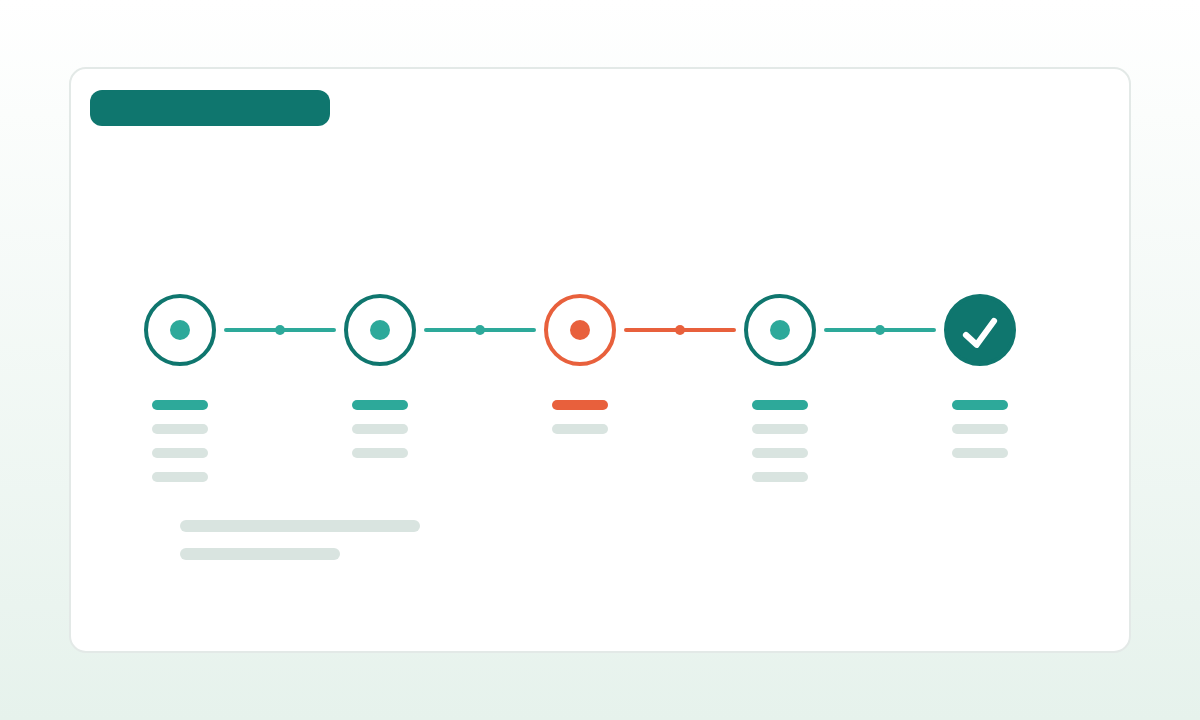
A more concrete escalation path:
- It works, but only the builder can change it. Bus factor of one.
- A field changed upstream and three workflows broke. No shared adapter, no contract.
- A regulator asked for a reproducible run log. Available, but only via screenshots.
- Costs are growing unpredictably. Per-run pricing or per-task LLM cost with no central limit.
- A non-technical user needs a focused screen. The workflow editor is not that screen.
At that point, the workflow has already done its job. It proved the business logic. The next step is to turn the useful part into software.
How Urbano DX Solves This
Urbano DX does not start by saying "replace the tool."
The practical path is:
- Audit the existing workflow
- Identify triggers, decisions, API calls, data contracts, and failure states
- Keep what still works in the tool
- Rebuild critical logic as an app, API, queue, dashboard, or service
- Add tests, logs, permissions, deployment notes, and handover
The audit itself is a deliverable: a short document that any team can use to make the build-vs-keep decision, regardless of who delivers the next sprint. A typical audit covers a single workflow in 3-5 days and produces:
- Architecture diagram of the current flow.
- Inventory of integrations, auth methods, and credentials in use.
- Volume and cost per run.
- Identified failure modes and incident history.
- A ranked list of components recommended for custom rebuild, with estimates.
- The "next-sprint" proposal: scope, price band, and the specific decisions it unlocks.
Prices are public. The one-page plan for one workflow is £595: delivered within 3 business days of agreed scope and inputs or fully refunded, and the fee is credited toward a later sprint. A 2-week paid PoC is £9,500 to £13,500 and a 4-week MVP sprint £19,000 to £26,500 (all packages). Urbano scopes and builds each project himself, so the fit is a team with one workflow worth owning, not a company-wide iPaaS rollout.
The result is not automation theater. It is software your team can own. The workflow tools stay where they are useful, for new experiments and non-critical glue, and the workflows that matter live on infrastructure your team can test, audit, and extend without depending on the original builder.