
Publicado: 29 de diciembre de 2025
Última actualización: 29 de diciembre de 2025
Automatización de PDFs y documentos para aplicaciones y APIs
Los PDFs, formularios, capturas de pantalla y adjuntos suelen quedarse justo fuera del flujo de trabajo del producto. Alguien los lee, copia valores, revisa excepciones y traslada los datos a una aplicación, una hoja de cálculo, un CRM o un sistema backend.
Eso convierte la automatización de documentos en un primer sprint de software muy práctico: la entrada es visible, la salida es verificable y el resultado puede alimentar una aplicación o API. A diferencia de los proyectos abstractos de "estrategia de IA", la automatización de documentos tiene un antes y un después claros: el esfuerzo manual que sustituye ya figura en una línea de nómina.
Qué debe hacer la primera versión
Una primera versión útil no necesita automatizar todos los tipos de documento. Debe cubrir la vía de entrada de mayor volumen.
- Leer PDFs, formularios, correos o archivos subidos
- Extraer nombres, fechas, identificadores, importes, notas y etiquetas de clasificación
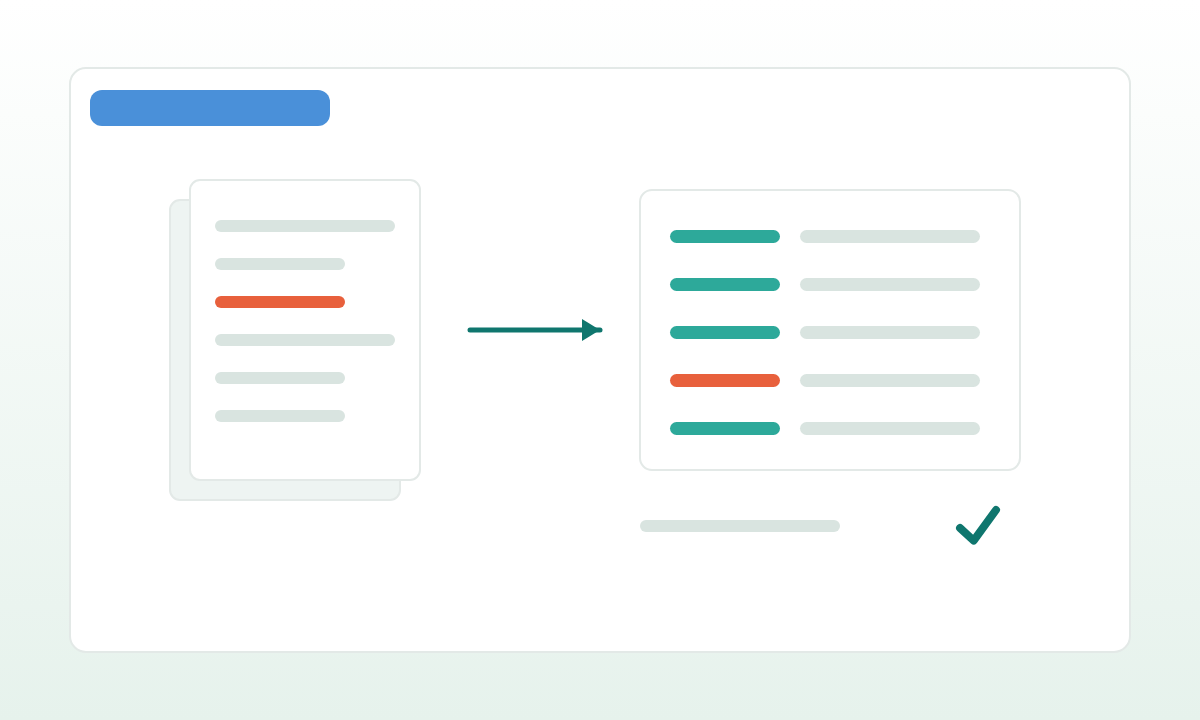
- Mostrar la evidencia de origen de cada campo extraído
- Marcar los valores de baja confianza para revisión humana
- Exportar los registros aprobados a CSV, hoja de cálculo, API, base de datos o cola
Así la automatización sigue siendo útil sin caer en decisiones totalmente automatizadas y arriesgadas.
Una arquitectura de referencia viable para el primer sprint:
inbound channel: email attachment / S3 upload / SFTP / web form
  → file storage (S3, GCS, or Azure Blob) with original-file retention
  → format dispatch:
      digital PDF → pdfplumber / pdf.js / Apache Tika
      scanned PDF or image → OCR (Azure Document Intelligence, AWS Textract,
                                    Google Document AI, or Tesseract+layout-parser)
      Office doc → unoconv / docx2txt
  → layout-aware text + per-token bounding boxes
  → LLM extraction with strict JSON schema (Pydantic / Zod):
      {
        invoice_number, issue_date, due_date,
        supplier_name, supplier_tax_id,
        total_amount, currency,
        line_items: [...],
        confidence_per_field, evidence_bbox_per_field
      }
  → validation rules (totals match line items, dates are sane, IDs match regex)
  → confidence routing: high → auto-approve queue
                        medium → human review with pre-filled fields
                        low → manual entry with AI hint
  → on approve: write to system of record (accounting API, CRM, internal DB)
                + emit event to message queue for downstream workers
Dos reglas de ingeniería que compensan más adelante:
- Persiste la evidencia de origen de cada campo. Bounding box, número de página, fragmento bruto del OCR. Sin eso, la auditoría y la resolución de disputas se vuelven imposibles. Con eso, la UI de revisión puede resaltar exactamente el texto que leyó el modelo.
- Trata la extracción como datos, no como texto. El modelo devuelve JSON estructurado validado contra un esquema; cualquier salida que falle la validación se reintenta con un prompt correctivo y, después, se enruta a revisión manual. Nunca parsees prosa libre aguas abajo.
Qué medir
El sprint debe medir el tiempo ahorrado, el retrabajo reducido, la precisión de extracción tras la revisión y el número de registros que pueden avanzar sin aclaraciones extra.
Métricas concretas para seguir desde el primer día:
- Precisión y recall a nivel de campo. Por campo, no por documento. Una exactitud del 90% a nivel de documento puede esconder un recall del 30% en un campo crítico. Calcúlalo sobre un conjunto etiquetado reservado de 50-200 documentos reales.
- Tasa de autoaprobación. Proporción de registros que superan todos los umbrales de confianza y validación sin ediciones humanas. Un 50-70% es realista para documentos tipo factura en el primer sprint; cifras más altas significan que los umbrales son demasiado laxos o que el conjunto de documentos es demasiado estrecho.
- Tiempo de resolución por documento. Mediana y P95. Compáralo con la línea base del procesamiento manual.
- Tasa de corrección del revisor por campo. Te dice exactamente qué campos necesitan mejorar a continuación, sea en el prompt o en el modelo.
- Coste por documento. OCR + tokens del modelo + minutos del revisor. A escala suele ser 5-20 veces más barato que el procesamiento manual, pero las cuentas deben ser explícitas, no supuestas.
Si esos números son creíbles, la siguiente inversión puede centrarse en la integración de producto, los permisos, la monitorización o un flujo de trabajo de cara al cliente.
Por qué funciona como PoC
La entrada es repetitiva, la salida es fácil de verificar y el responsable de negocio suele entender el coste del procesamiento manual. Eso convierte la automatización de documentos en una candidata sólida para demostrar software en semanas.
También produce un activo duradero. El esquema, los prompts de extracción, las reglas de validación y la interfaz del revisor siguen siendo útiles mucho después de que termine el PoC. La automatización de documentos tiende a expandirse de forma natural: facturas hoy, pedidos de compra el mes que viene, contratos el trimestre siguiente. Cada tipo nuevo reutiliza el mismo pipeline con un esquema nuevo y un prompt nuevo. Ese efecto compuesto es la razón por la que un primer sprint pequeño puede anclar un programa de DX de varios años sin necesitar nunca un discurso de "transformación".