
Publicado: 27 de abril de 2026
Última actualización: 27 de abril de 2026
Diseñar búsqueda en lenguaje natural sin construir un chatbot
Es tentador diseñar la búsqueda en lenguaje natural como un chatbot. El usuario escribe una frase, el modelo responde y la interfaz se convierte en una conversación.
Para muchos productos de negocio, esa no es la mejor forma. Compradores, operadores y equipos internos suelen necesitar un flujo de trabajo que puedan inspeccionar: filtros, coincidencias, confianza, fuentes y próximas acciones. El modelo es una capa de traducción, no un destino. El destino sigue siendo una página de producto con los controles que el usuario espera: ordenar, filtrar, guardar, compartir, comparar, actuar.
Traducir la intención en controles
Un buen flujo de búsqueda con IA debe hacer visible la interpretación del modelo. Si el usuario escribe "zona familiar cerca del transporte y con buena luz", el producto debería mostrar las suposiciones estructuradas que hay detrás de esa frase.
- Suposiciones de ubicación o de trayecto
- Atributos del inmueble o del artículo
- Señales de prioridad
- Exclusiones
- Compromisos opcionales
Eso le da al usuario la oportunidad de corregir el sistema antes de empezar a confiar en los resultados.
El modelo de interacción que aguanta en cualquier dominio:
- Entrada de texto libre. Siempre disponible, nunca oculta.
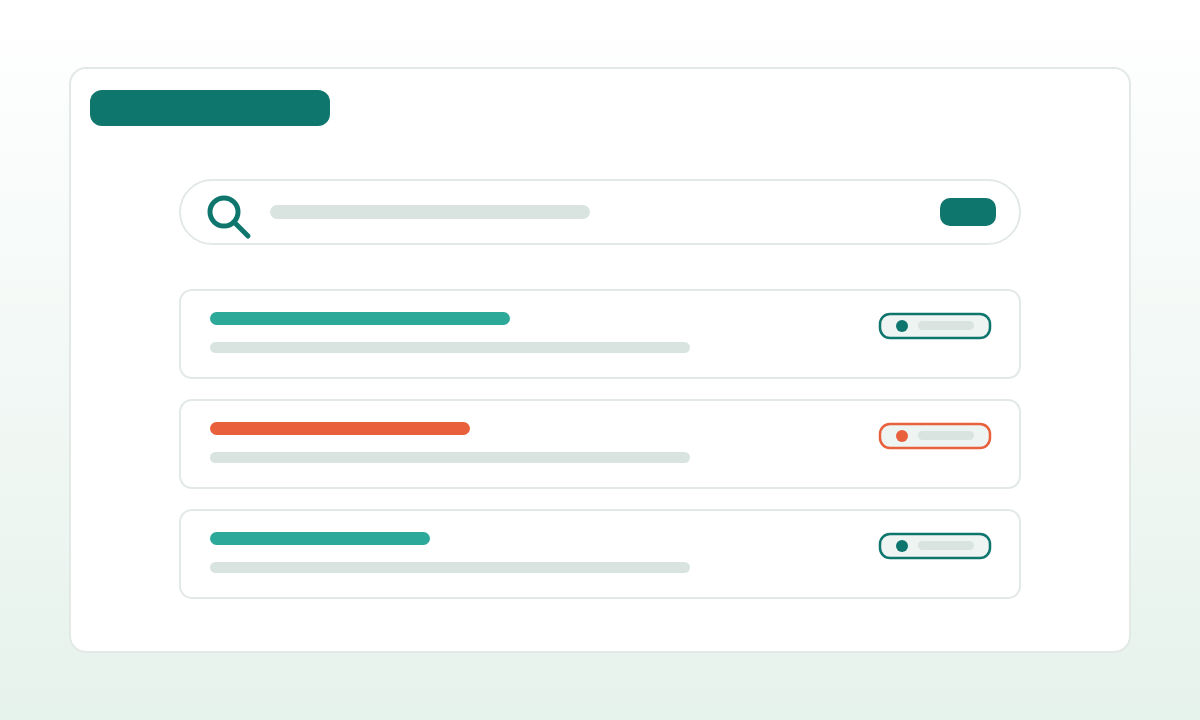
- Parsear → renderizar como chips. La salida del modelo es una consulta estructurada que se muestra de forma visible encima de los resultados. Cada chip es editable, eliminable y tiene su peso (obligatorio, deseable, excluir).
- Chips blandos para la ambigüedad. "Interpretando 'buena luz' como 'orientación sur o última planta'; haz clic para cambiarlo."
- Lista de resultados con motivos. Cada resultado puede mostrar por qué encajó: los chips que cumple, el desglose de la puntuación, la coincidencia que se quedó más cerca.
- Correcciones con un clic. "Demasiadas viviendas pequeñas" activa un chip de
floor_area_min. El usuario está editando la consulta, no discutiendo con un bot.
La clave es que cada parte de la interpretación es visible, tiene nombre y se puede modificar. El modelo hace la parte difícil (pasar de un lenguaje difuso a una intención estructurada), pero el usuario mantiene el control del resultado.
Mantener un resultado con forma de producto
La IA debe reducir fricción, pero el resto del producto sigue necesitando patrones de interacción familiares. Un mapa, una tabla, un dashboard, una cola o una lista de resultados filtrada suelen ser más fáciles de evaluar que un bloque de texto generado.
Ejemplos por dominio:
- Inmobiliario. Mapa + tarjetas + búsquedas guardadas + filtros en chips. El chat encaja mal porque los usuarios comparan entre muchos resultados.
- Selección de personal. Tabla de candidatos con puntuación, motivos de coincidencia y acciones de preselección. El chat perdería la vista de comparación.
- Compras. Cuadrícula de catálogo con especificaciones normalizadas, puntuación de proveedores y adición masiva a la RFQ. El chat ralentizaría los flujos de aprobación.
- Administración interna. Lista filtrable con acciones masivas y auditoría. El chat ocultaría el historial de acciones.
- Búsqueda de conocimiento. Es el único sitio donde una interfaz conversacional puede ganar, pero incluso ahí, las citas y los paneles de fuentes integrados la convierten en mitad producto, mitad chat.
La interfaz debe responder rápido a tres preguntas:
- ¿Qué ha entendido el sistema?
- ¿Qué resultados salieron de esa interpretación?
- ¿Qué puede cambiar o aprobar el usuario?
Si el usuario tiene que leer un párrafo para responder cualquiera de ellas, el diseño tiene demasiado chat dentro.
Convertirla en candidata a sprint
La búsqueda en lenguaje natural puede ser un buen primer sprint cuando existen datos de muestra y el valor es fácil de demostrar. La primera versión no necesita todas las reglas de ranking ni todas las integraciones. Necesita un recorrido de búsqueda que los usuarios puedan probar.
Un plan de sprint práctico:
- Elige un dataset, un rol de usuario y una vista de resultados. Resiste el "hagamos también candidatos e inmuebles". El segundo recorrido es el segundo sprint.
- Empieza con consultas escritas a mano. Construye primero la UI de chips y la página de resultados con consultas deterministas. Solo entonces conecta el LLM.
- Usa salida estructurada estricta. Esquema JSON, validación y una pasada de reparación si falla. Nunca parsees texto libre aguas abajo.
- Construye el set de evaluación desde el primer día. Entre 30 y 100 consultas reales o realistas con su parseo estructurado esperado. Ejecuta el parser contra él en cada cambio.
- Registra todo. Entrada, consulta parseada, ediciones posteriores del usuario, tiempo hasta el primer clic, tasa de cero resultados.
Con eso basta para decidir si la idea merece una inversión de producto mayor. El primer sprint produce tres cosas que cualquier continuación necesita: un parser en el que el equipo confía, una UI que los usuarios editan de verdad y un set de evaluación que detecta regresiones. Sin ellas, "ampliar a más datasets" es un deseo; con ellas, es un plan.