
Publicado: 24 de abril de 2026
Última actualización: 24 de abril de 2026
Implementación de búsqueda en lenguaje natural para aplicaciones web
La búsqueda en lenguaje natural es un caso de uso de IA potente porque el valor se nota enseguida. El usuario escribe lo que quiere en lenguaje normal, y el producto convierte esa intención en resultados útiles.
El reto de implementación es hacer que la salida de la IA sea inspeccionable. Los usuarios no deberían tener que fiarse de una interpretación oculta. El patrón que funciona tanto en B2C como en B2B es el mismo: el modelo produce criterios estructurados que el producto puede renderizar, editar y ejecutar de forma determinista. La fluidez está en la entrada; la página de resultados sigue siendo un producto.
Muestra los filtros generados
Si el modelo crea criterios de búsqueda, muéstralos. Los filtros deberían ser visibles, editables y estar conectados a la lista de resultados.
Esto es especialmente importante en inmobiliario, selección de personal, compras, soporte, búsqueda de documentos y herramientas internas, donde el usuario necesita entender por qué apareció un resultado.
Buenos primeros filtros incluyen:
- Restricciones obligatorias y opcionales
- Condiciones excluidas
- Preferencias de ordenación
- Notas de confianza o ambigüedad
- Una vía clara de reinicio
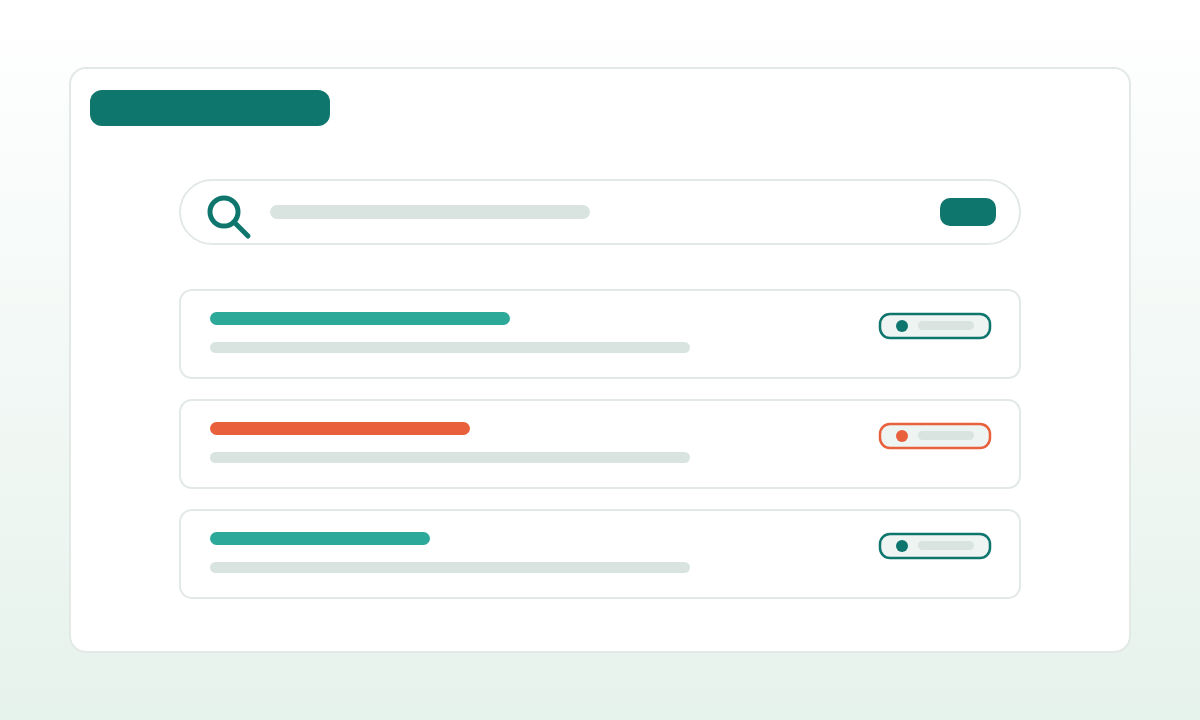
Un patrón concreto: el usuario escribe una frase, el modelo devuelve una consulta estructurada y el producto la renderiza como chips encima de la lista de resultados. Los chips son editables. Editar un chip vuelve a ejecutar la consulta. El campo de texto sigue visible para que el usuario también pueda refinar en lenguaje natural.
// Output schema enforced via Zod / Pydantic / JSON Schema
type ParsedQuery = {
  filters: {
    location?: { name: string; radius_km?: number };
    price_max?: number;
    bedrooms_min?: number;
    must_have: string[];        // ["balcony", "south-facing"]
    nice_to_have: string[];     // ["near park"]
    exclude: string[];          // ["ground floor"]
  };
  sort: "price_asc" | "newest" | "best_match";
  ambiguities: Array<{ field: string; note: string; confidence: number }>;
  raw_input: string;
};
Los chips se vinculan directamente a los campos de este objeto. La consulta que llega a la base de datos es SQL determinista o Elasticsearch, generada a partir de los criterios estructurados, no de la salida libre del LLM. Esta separación es lo que permite testear, paginar, cachear y auditar la misma UI.
Para entradas ambiguas ("un sitio tranquilo para una familia joven"), el modelo anota la ambigüedad con una interpretación sugerida y una nota de confianza. La UI las muestra como chips suaves con un tooltip: "interpretando 'tranquilo' como 'puntuación baja de ruido de tráfico'; haz clic para cambiarlo". El usuario siempre está a un clic de corregir la interpretación.
Evita la trampa del chatbot
Un chatbot puede ser útil, pero muchas aplicaciones web necesitan controles de producto más que conversación. Una interfaz de búsqueda en lenguaje natural puede seguir usando mapas, tablas, búsquedas guardadas, tarjetas, dashboards o colas de aprobación.
Dónde el chat tiende a perjudicar más que a ayudar:
- Dominios con muchos resultados. Inmobiliario, empleo, catálogos. Los usuarios quieren escanear, comparar y fijar, no desplazarse por una transcripción de chat.
- Flujos de trabajo repetidos. Cuando el usuario ejecuta el mismo tipo de búsqueda cada día, los controles estructurados ganan a volver a teclear.
- Refinamiento multicriterio. La conversación se lleva mal con "sube el precio máximo pero mantén todo lo demás". Los chips son perfectos para eso.
- Móvil. Mapa + tarjetas gana a un hilo de chat en un teléfono.
La IA debería traducir la intención. El producto debería ayudar al usuario a decidir. La caja de chat puede quedarse como un elemento de entrada más entre muchos; rara vez debería ser toda la interfaz.
Empieza con un solo recorrido de búsqueda
El primer sprint debería centrarse en un único recorrido de búsqueda. Elige un dataset, un tipo de usuario, una vista de resultados y una métrica de éxito.
Una construcción viable en dos semanas:
- Días 1-3. Define el esquema de consulta estructurada y la UI de chips. Publica una primera versión que use consultas escritas a mano, todavía sin modelo.
- Días 4-7. Añade el paso de LLM que convierte el texto libre al esquema, con salida JSON estricta y una pasada de reparación si falla la validación. Calíbralo contra 30-50 consultas reales etiquetadas a mano.
- Días 8-11. Añade la visualización de ambigüedades, las búsquedas guardadas y una vista de resultados secundaria (mapa, tabla o vista agrupada).
- Días 12-14. Logging, informe de evaluación y una recomendación escrita sobre qué datasets y recorridos añadir a continuación.
Eso mantiene la implementación medible. También le da al comprador algo real que probar antes de ampliar a más fuentes, más lógica de ranking o integraciones de API más profundas. Las métricas que importan al final del sprint: tasa de éxito de consulta a resultado, tasa de edición de chips (un número bajo significa que la IA está interpretando bien al usuario), tasa de cero resultados y tiempo hasta el primer clic útil. Ninguna de ellas requiere un chatbot para medirse.