Publicado: 2 de mayo de 2026
Última actualización: 2 de mayo de 2026
Dify, n8n o flujo de trabajo de IA a medida: cómo elegir
Dify y n8n son herramientas útiles para experimentar con flujos de trabajo de IA. Pueden ayudar a un equipo a conectar APIs, probar la recuperación, enrutar la salida del modelo y demostrar si una idea merece más inversión.
La cuestión no es si el low-code es bueno o malo. La cuestión es dónde tiene que vivir el flujo de trabajo cuando entran en juego usuarios reales, datos, permisos y operaciones. Ambas herramientas brillan en los primeros kilómetros de la vida de un flujo de trabajo. Ambas se convierten en un lastre si acaban cargadas de lógica crítica para el negocio, ramificaciones sin documentar y un único héroe interno que sabe cómo encaja todo.
Elige Dify o n8n cuando la velocidad es la pregunta principal
Las herramientas low-code son más fuertes cuando el comprador necesita un prototipo interno rápido o una forma de entender el flujo de trabajo antes de construir software con calidad de producto.
Son especialmente útiles para:
- Prototipos de automatización interna
- Enrutado de APIs y webhooks
- Experimentos de prompts y recuperación
- Flujos de trabajo de back-office con pocas necesidades de UI
- Puentes temporales entre herramientas
Para muchos equipos, esta es la primera prueba correcta.
Dónde suele encajar cada herramienta:
- Dify. Cuando la pregunta central es el propio comportamiento de la IA: prompts, recuperación, flujo de agentes, elección de modelo, evaluación. Fuerte para pilotos de RAG y chatbots, más débil para fontanería de APIs arbitraria.
- n8n. Cuando la pregunta central es la fontanería de integración: triggers desde herramientas SaaS, lógica de ramificación, reintentos, programación de tareas y conectores. Fuerte para automatización entre sistemas, más débil para UI a medida.
- Zapier / Make. Cuando el equipo necesita automatización gestionada de tipo operativo con mínima implicación de ingeniería. Fuerte en amplitud de conectores, más débil en lógica a medida y residencia de datos.
- Workato. Cuando la gobernanza, la auditoría y el iPaaS empresarial son el requisito del equipo de compras.
Una regla interna útil: si el valor del prototipo está en el comportamiento de la IA, empieza en Dify. Si el valor está en la fontanería de datos, empieza en n8n. Si el prototipo sobrevive al experimento, planifica la reconstrucción.
Elige software a medida cuando el flujo de trabajo se convierte en producto
El software a medida cobra más importancia cuando el flujo de trabajo necesita permisos, encaje con la marca, UI compleja, registros de auditoría, propiedad del código fuente o una parte visible de cara al cliente.
Ahí es donde una arquitectura normal de app y API suele resultar más limpia que estirar demasiado un constructor de flujos de trabajo.
Señales de que el low-code está siendo llevado más allá de su límite útil:
- El flujo tiene más de 20-30 nodos y nadie puede describirlo sin abrir el editor.
- La lógica de ramificación depende de comparaciones de strings sobre campos que ningún esquema valida.
- El equipo está escribiendo nodos de JavaScript/Python a medida para manejar reglas de negocio reales.
- El mismo flujo está duplicado para staging y producción, y han divergido.
- No existen tests; los despliegues son "guardar y rezar".
- Los permisos son "todo el que tenga acceso al workspace".
- La historia de reintentos/errores es "vigilaremos el dashboard".
- Han llegado requisitos de auditoría, y la respuesta es "podemos hacer capturas de pantalla".
Un buen alcance de flujo de trabajo de IA a medida incluye:
- Acceso basado en roles
- Revisión humana y capacidad de corrección
- Referencias a las fuentes
- Registro y gestión de fallos
- Traspaso de la integración
- Propiedad clara del repositorio
Una arquitectura típica de reemplazo a medida, cuando el flujo de trabajo se la gana:
Next.js / FastAPI service with typed API
  + Postgres for state and audit
  + a job queue (BullMQ, Temporal, pgmq) for async steps
  + a thin LLM wrapper with prompt versioning and structured output
  + a vector DB (pgvector or managed) when retrieval is real
  + RBAC via Auth.js / Clerk / Cognito
  + IaC or a documented deploy path
  + an eval set and CI checks for prompt/model changes
Nada de esa lista es exótico. La ventaja sobre una herramienta de flujos llevada al límite no es la sofisticación técnica: es la observabilidad, la testeabilidad y la capacidad de incorporar a un segundo ingeniero en un día.
Usa el sprint para decidir
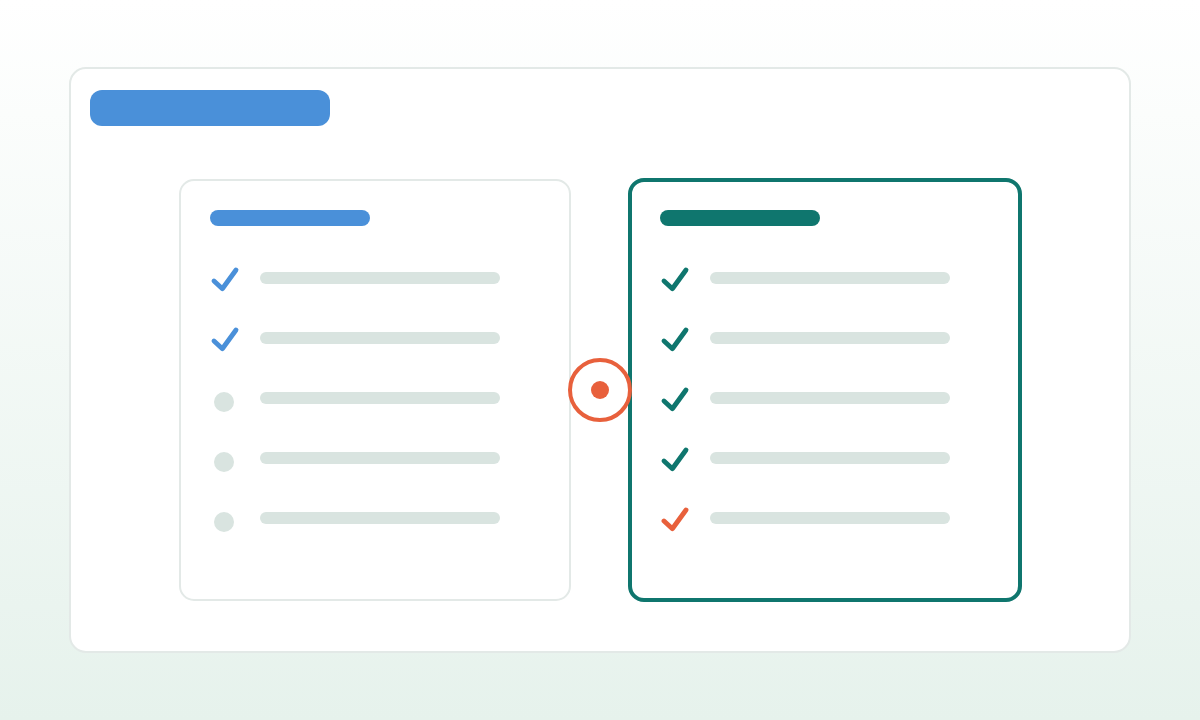
El enfoque más práctico suele ser híbrido. Usa Dify o n8n para aprender rápido, y construye las partes duraderas como software a medida cuando el flujo de trabajo demuestre su valor.
Un patrón híbrido que funciona:
- Fase 1: aprender. n8n o Dify, un único entorno, con el responsable de negocio directamente implicado. Objetivo: demostrar valor, encontrar los límites, anotar las "cosas que hemos aprendido".
- Fase 2: decidir. Documenta el flujo de trabajo como si escribieras la especificación desde cero. Identifica las partes estables, las que cambian cada semana y las que nadie entiende todavía.
- Fase 3: migrar la columna vertebral. Mueve la columna vertebral estable y crítica para el negocio a software a medida. Mantén los bordes experimentales en la herramienta de flujos, donde la flexibilidad todavía importa.
- Fase 4: retirar o restringir. Decide si la herramienta de flujos se queda como entorno de prototipado o se retira por completo.
Un sprint enfocado debería hacer visible esa decisión. Si el camino low-code es suficiente, quédatelo. Si el flujo de trabajo necesita profundidad de producto, pásalo a código propio antes de que la automatización se vuelva crítica para el negocio. El coste de migrar pronto es real; el coste de migrar tarde (cuando el flujo de trabajo ya sostiene a un departamento entero) es varias veces mayor.